LUXA CAMERA
Get App

Shoot Realistic Film Photos On Your Phone

Luxa Camera is a film emulation photo app for Android. Pick your favorite look from a selection of popular real film stock inspired looks, snap the picture and get gorgeous film photos directly saved to your phone - zero photo editing required.

15+ Popular Film Stocks & Looks
Zero Editing Snap & Done
35mm Grain & Glow
Luxa Camera Screen Screenshot

Inside Luxa Camera

Look Customizations

Explore the point-and-shoot camera, preset tweaking, and custom look creation engine.

Luxa Camera Screen

Point & Shoot Camera

Clean camera viewfinder with real-time exposure compensation dial, custom zoom presets, and film look switching.

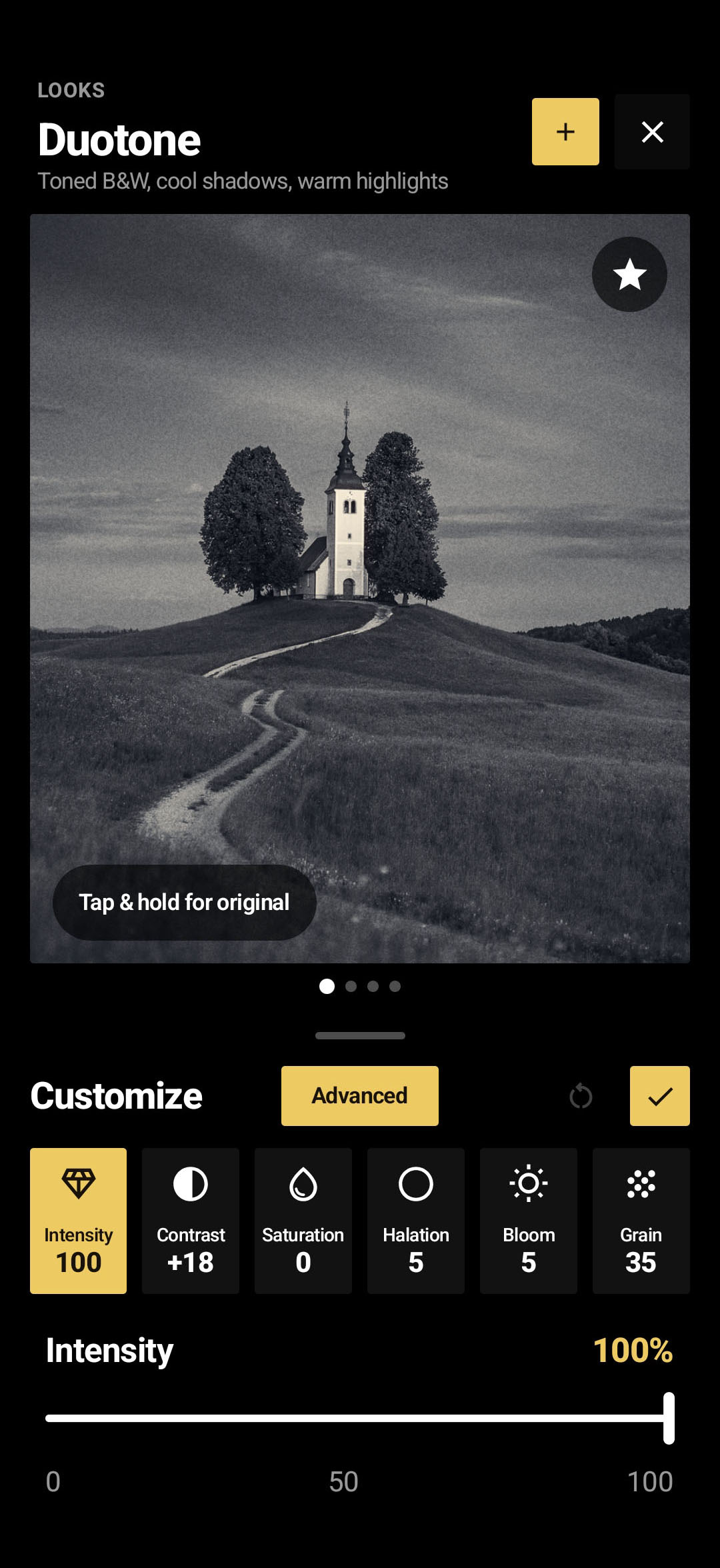
Duotone Customize Screen

Tweak Existing Looks

Fine-tune any preset on the fly. Adjust look Intensity (0-100%), Contrast, Saturation, Halation glow, Bloom, and 35mm Grain.

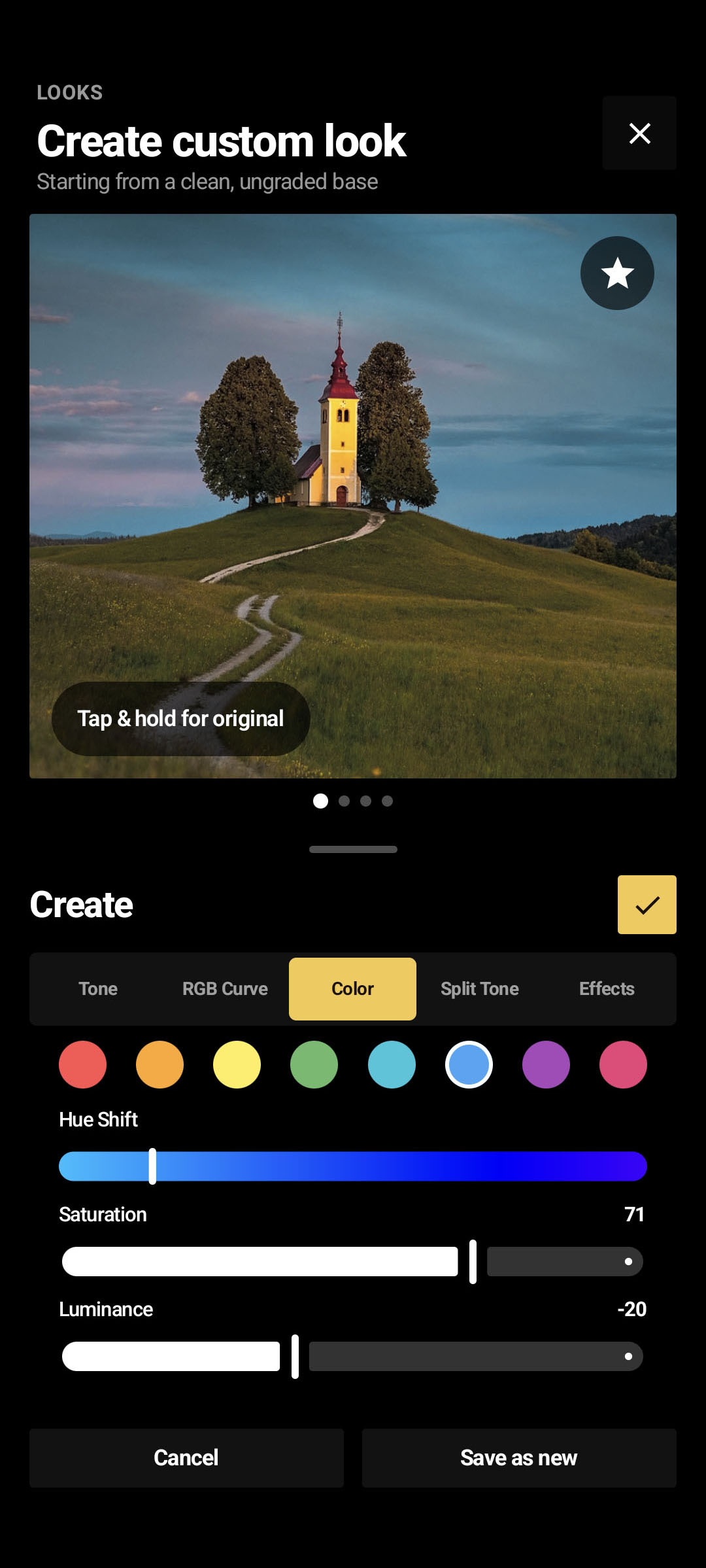
Create Custom Look Screen

Create Custom Looks

Craft brand-new film stocks from scratch using Tone controls, RGB Curves, HSL Color Hue Shifting, and Split Toning.

Designed For Film Lovers

Simple point-and-shoot film camera

No complicated menus or photo editing tools. Luxa Camera applies authentic vintage film colors directly as you press the shutter button.

Authentic Film Stocks

Choose from classic film rolls like Amber 200, Chroma 100, Metro urban tones, and Noir 400 black & white.

Real Film Grain & Warm Glow

Every photograph gets genuine 35mm silver-halide grain texture, subtle light halos around bright lights, and natural warmth.

Create Your Looks

Easily tweak warmth, contrast, color tint, and grain level to design your own personal film recipe and save it for future shots.

Vintage Frames & Aspect Ratios

Frame your shots in classic 35mm film borders, medium format style, or retro photo shapes (4:3, 1:1, 16:9, 3:2 and more).

Point & Shoot Simplicity

Select a film look, tap the shutter, and your photo is instantly saved with the film look applied. Zero post-processing required.

Built-In Photo Gallery

Conveniently review all your captured analog photos inside the app gallery, check shot details, and export high quality images.

Vintage Color Palettes

Curated Film Stocks

Switch between iconic golden hour warmth, vivid outdoor color, high-contrast monochrome, and moody cityscape film stocks.

Amber 200 Sunset Photo
AMBER 200

Amber 200

Rich golden warmth, soft shadows, and classic afternoon sunlight aesthetics.

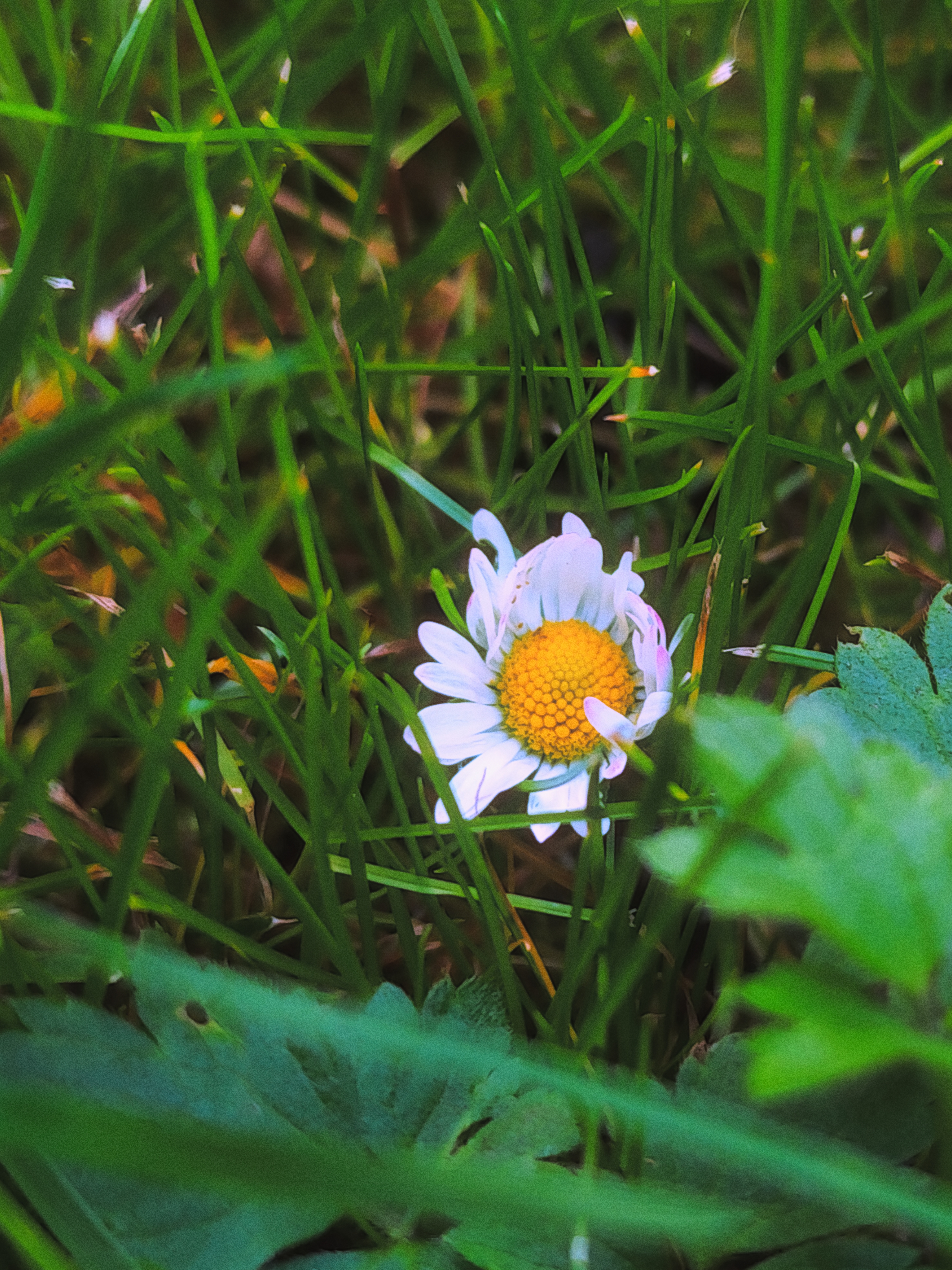
Chroma 100 Landscape Photo
CHROMA 100

Chroma 100

Vivid, punchy outdoor blues and greens perfect for nature and travel photos.

Noir 400 B&W Photo
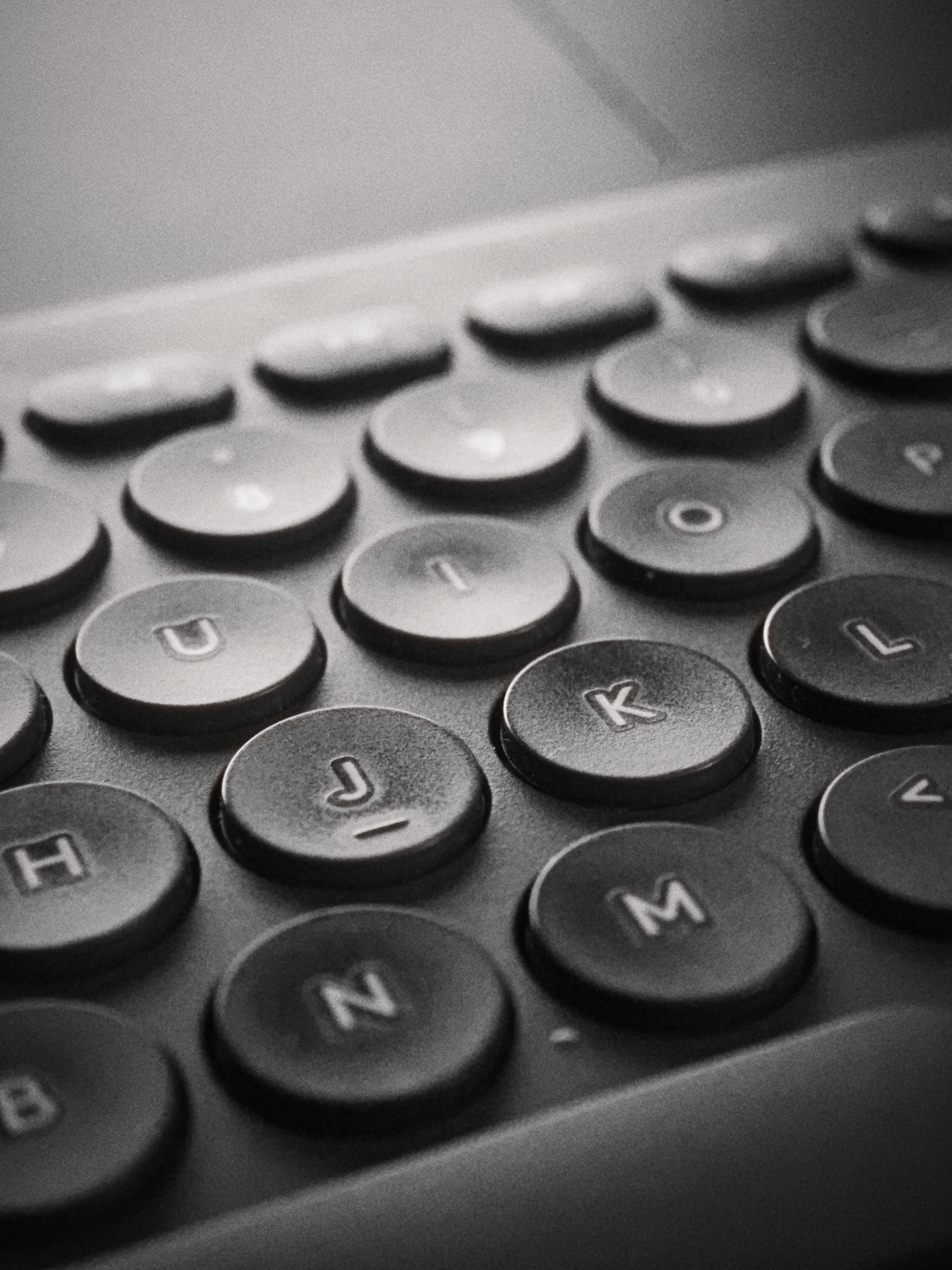
NOIR 400

Noir 400

Timeless high-contrast black & white with bold shadows and silver grain.

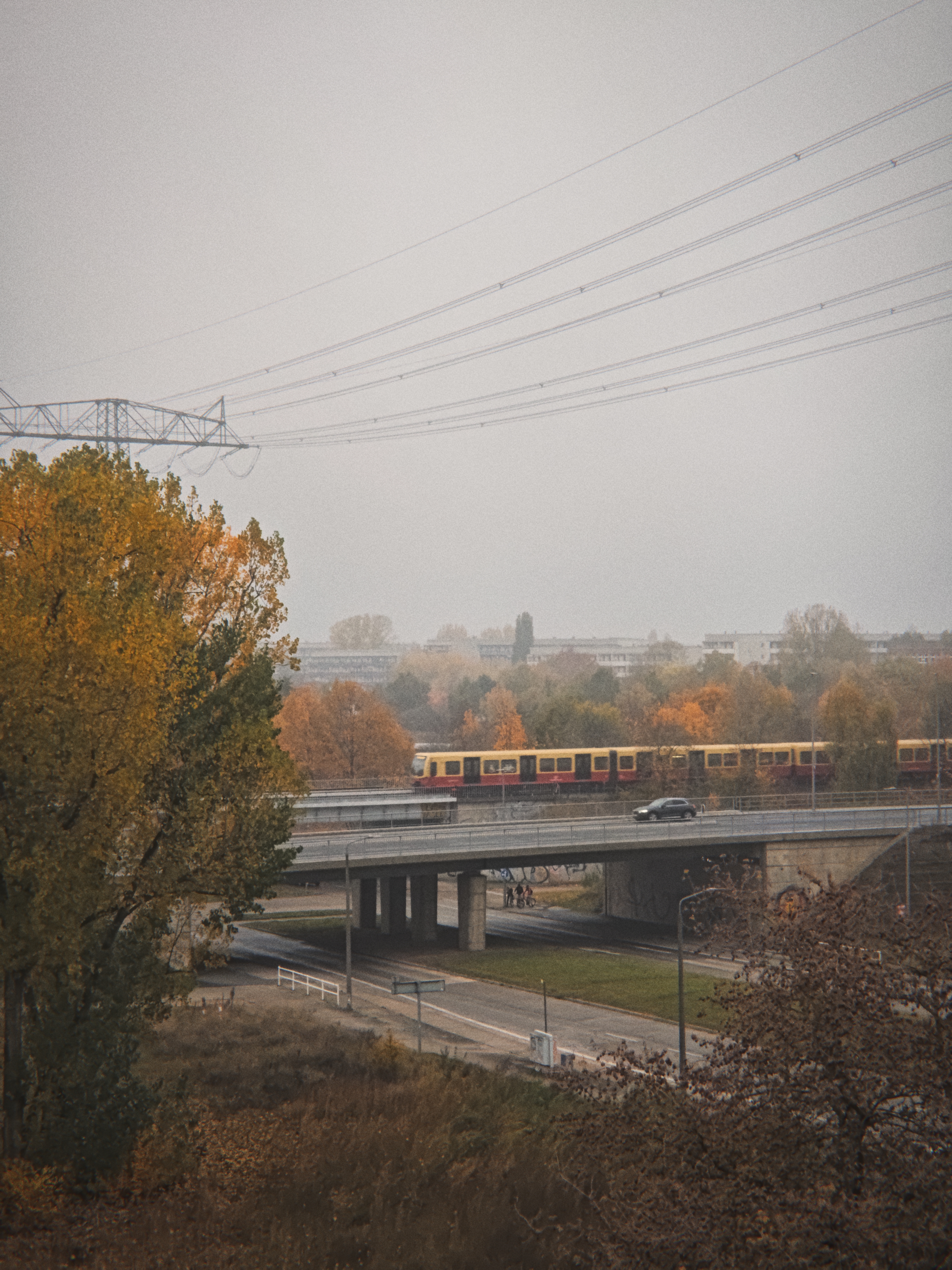
Metro Cityscape Photo
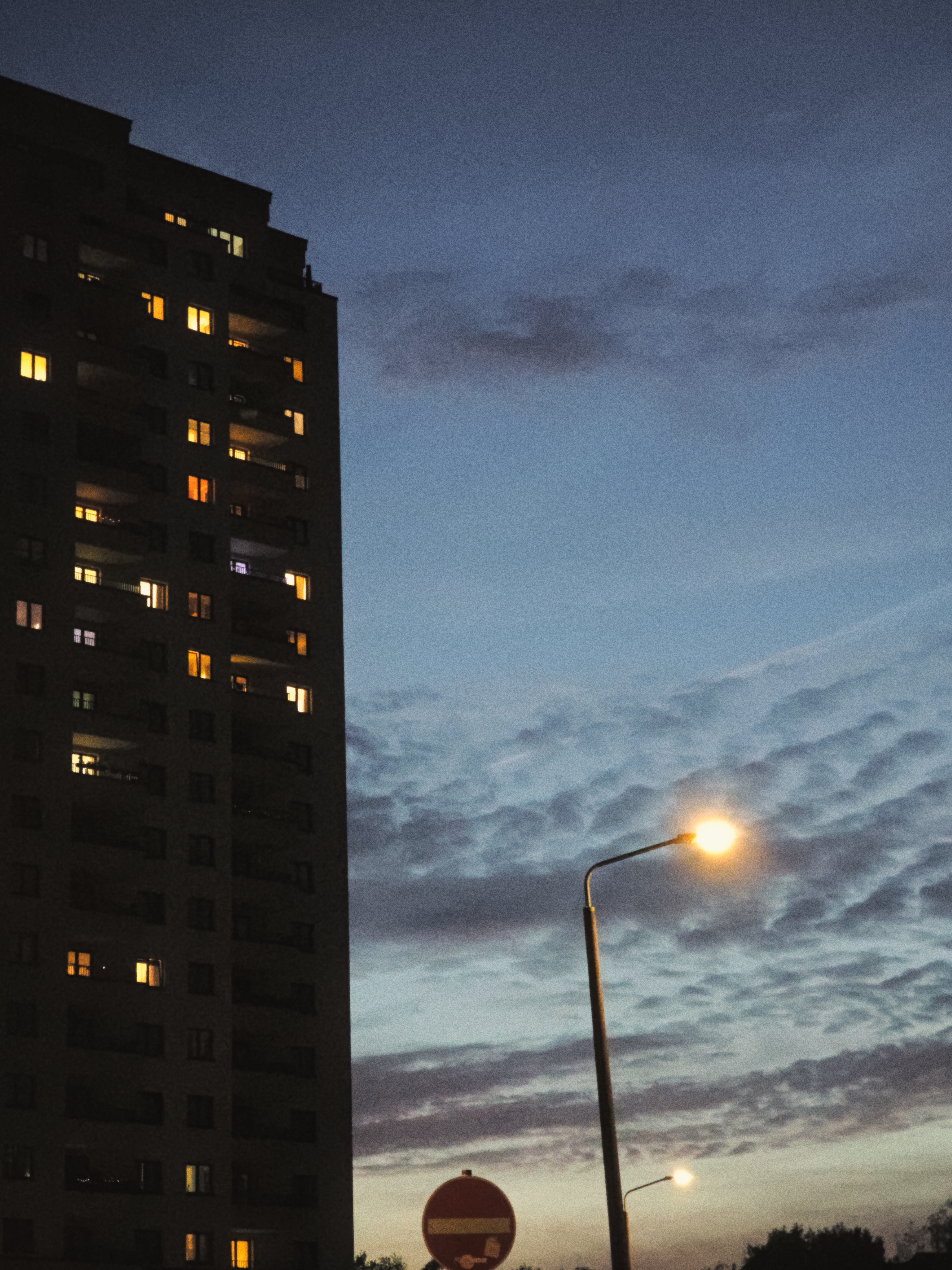
METRO

Metro

Deep moody urban contrast and muted tones, best for cityscapes & architecture.

Questions & Answers

Frequently Asked Questions

How does Luxa Camera work?

Luxa Camera is a point-and-shoot camera app for Android. You select your preferred film stock style (like Amber 200 or Metro), tap the shutter button, and your photo is immediately saved with warm analog colors, grain, and contrast already applied.

Can I edit existing photos from my phone's gallery?

No, Luxa Camera is dedicated strictly to camera capture. The film look is applied naturally as you take the photo, giving you an authentic analog film experience.

Can I create my own film look recipes?

Yes! You can create any look you can possibly want using advanced look controls such as Tone (Brightness, Contrast, Saturation, Warmth), RGB Curve, HSL sliders, Split Tone and Film Effects (Grain, Halation, Bloom, Chromatic Aberration, Vignette, Edge Softness, Dust and Light Leaks).

Can I edit an existing look and save it as a new look?

Yes! You can edit every aspect of the existing "factory" looks to your liking and save them as new looks with a new name.

How much does Luxa Camera cost?

You can try out Luxa Camera for free with a 7-day trial. After your trial has ended, full access can be purchased for a one-time fee of $19.99 / £19.99, or via a $1.99 / £1.99 monthly subscription.

Why can't I see the selected look on live view?

For two reasons. Firstly, it is a taxing feature for some Android phones with weaker hardware, and the live view would be laggy. Secondly, I intentionally wanted to leave it out because film cameras work the same way: they don't have a live view with the look pre-applied :)

Start Shooting Film Photos Today

Download Luxa Camera for Android and enjoy authentic point-and-shoot film photography on your phone.